Talk.
Mullo does
the rest.
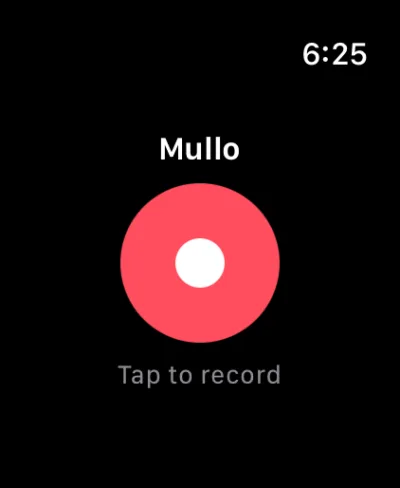
Catch the thought before it goes away. Press your watch, say it, and get a note with your tasks.
300 free minutes · no card · or use it in your browser
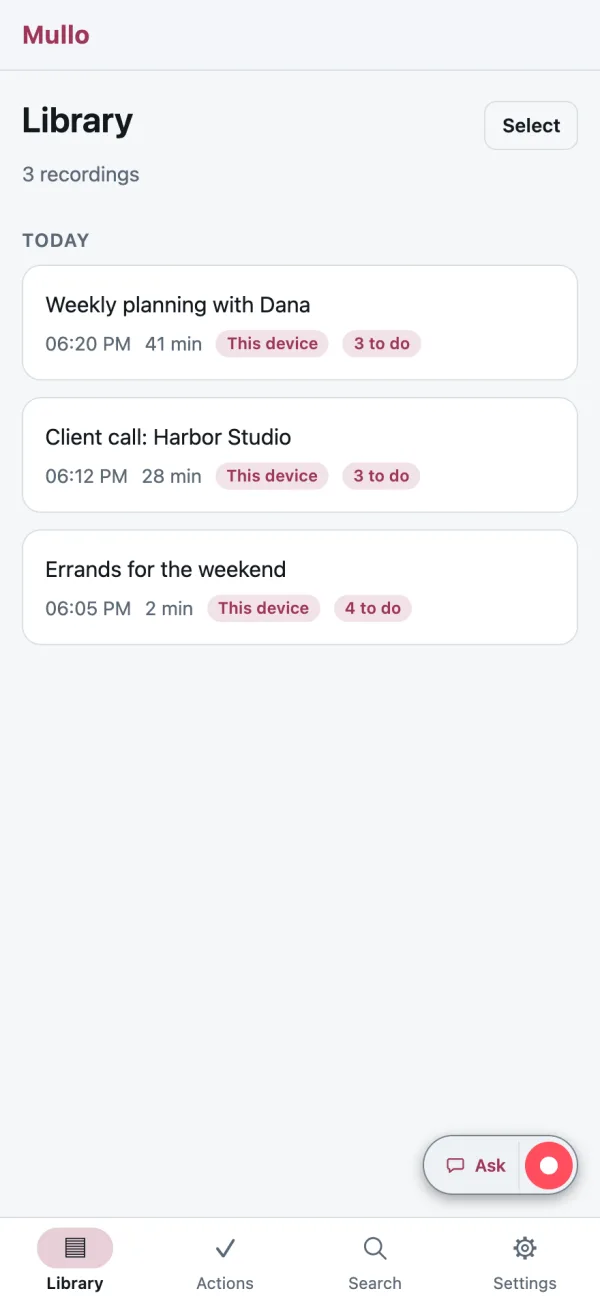
 ● 0:04
Every thought, kept
Titled and summarised, on your phone and computer.
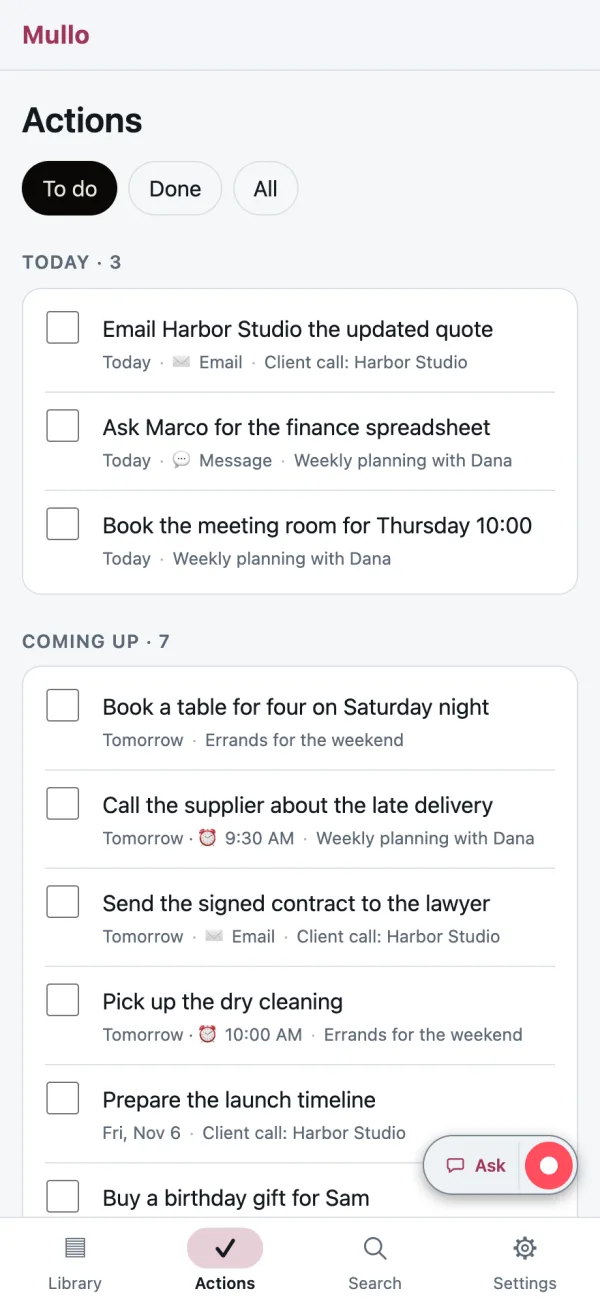
Tasks, with dates
"Call Dana tomorrow" becomes a task.
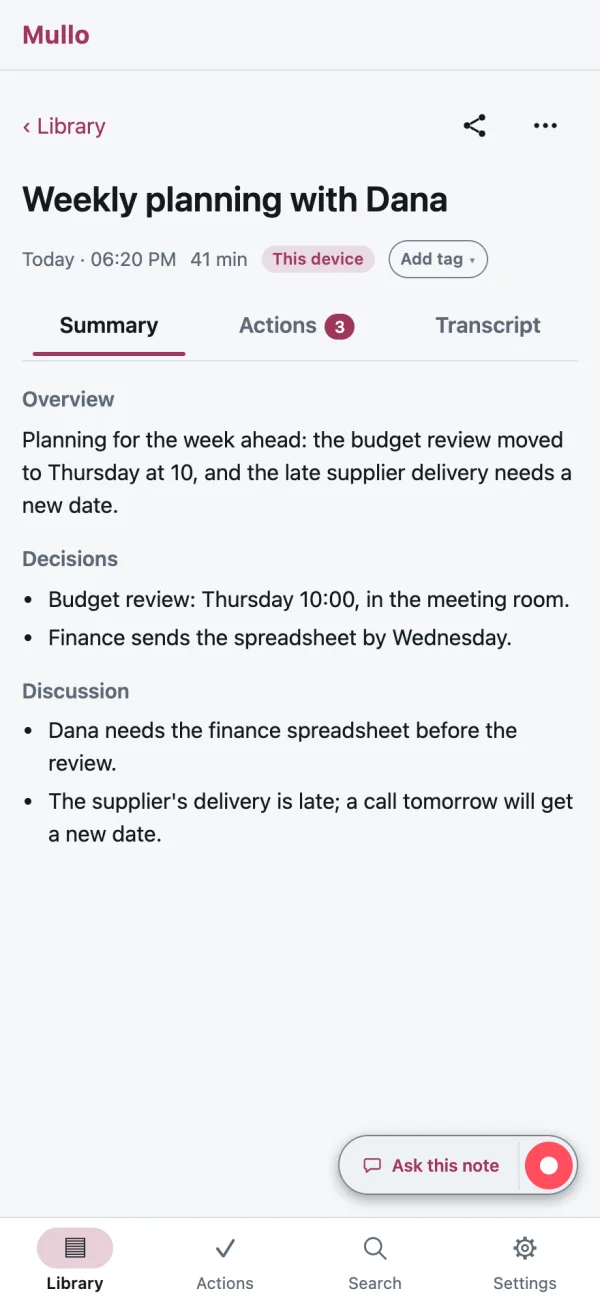
Meetings too
Decisions, discussion and actions from a 40-minute call.
Your voice stays yours.
Stored in Canada
Your account's copy is readable only by you.
Never trains AI
Our AI services can't learn from it (who they are).
Yours to run
Your own AI key or your own server.
Simple pricing
Start free. Prices in US$.
Free trial
Claim your first 300 minutes of recordings and 5 questions to Ask in the app, and use them within 14 days. Once per person, no card needed. Then use your own key or Mullo Pro.
Your own AI
Use your own Gemini or OpenAI key: in Mullo, Settings, Developers. That company bills you directly.
Mullo Pro
The AI is included: 1,200 minutes of recordings and 50 questions to Ask a month. No key, no setup. Cancel any time.
Get it in Mullo: Settings, Subscription.
Mullo Max
Everything in Pro, with Mullo's strongest AI models for summaries and 1,800 minutes of recordings and 100 questions to Ask a month: better summaries of long, busy meetings.
Get it in Mullo: Settings, Subscription.
Launch prices: they go up later. If you're already subscribed, we tell you before anything changes. Switch between plans or cancel any time.
On your computer
Open Mullo in your browser and sign in with the same account. Your notes come over by themselves, and changes follow both ways.
Open Mullo in your browser →Connect it to everything
Let Claude, ChatGPT or Cursor read your notes over MCP, pull them into scripts with the API, or keep them on your own server.
Read the docs →FAQs
Do I need a watch?
No. The watch is the fastest way, but you can record on your phone or computer too, or type a note.
Which watches work?
Apple Watch with an iPhone, and Wear OS watches (like Galaxy Watch and Pixel Watch) with an Android phone. Press, talk, and the recording goes to your phone on its own.
What languages does it understand?
English, Hebrew and about 110 other languages. Pick the language you speak in Settings, or leave it on Auto.
Does it work offline?
Yes. Recordings are saved on your phone first and don't need an account. The transcript, summary and tasks are made once you're online and signed in.
Who can see my recordings?
Your account's copy is stored in Canada, and no other account can read it. To transcribe, the audio passes through AI services working for us, on terms that don't let them train on it, and Mullo deletes it once the transcript is made. Privacy Policy.
What happens after the free trial?
Your notes stay yours. To keep the AI on, use your own Gemini or OpenAI key for free, or subscribe to Mullo Pro or Max in the app. Cancel any time.